
There is a category of developer work that does not make it into productivity discussions because it does not feel like real work. It does not involve writing code, designing systems, or solving hard problems. It involves: reading through a GitHub issue to understand whether it is a duplicate of something you fixed three months ago, searching your codebase for the third time this week for the right place to add a new feature, writing the PR description that accurately summarizes what your three-day feature branch actually changed, responding to the Slack message asking for a status update on the thing you finished yesterday, and running through the mental checklist of what you need to do before marking a ticket as complete.
Individually, each of these tasks takes minutes. Collectively, they consume hours per week—context-switching overhead, shallow-focus work that interrupts deep work, and cognitive load that compounds across a full week. They are also the category of work that personal AI agents are best positioned to handle.
What "Personal Agent Stack" Means
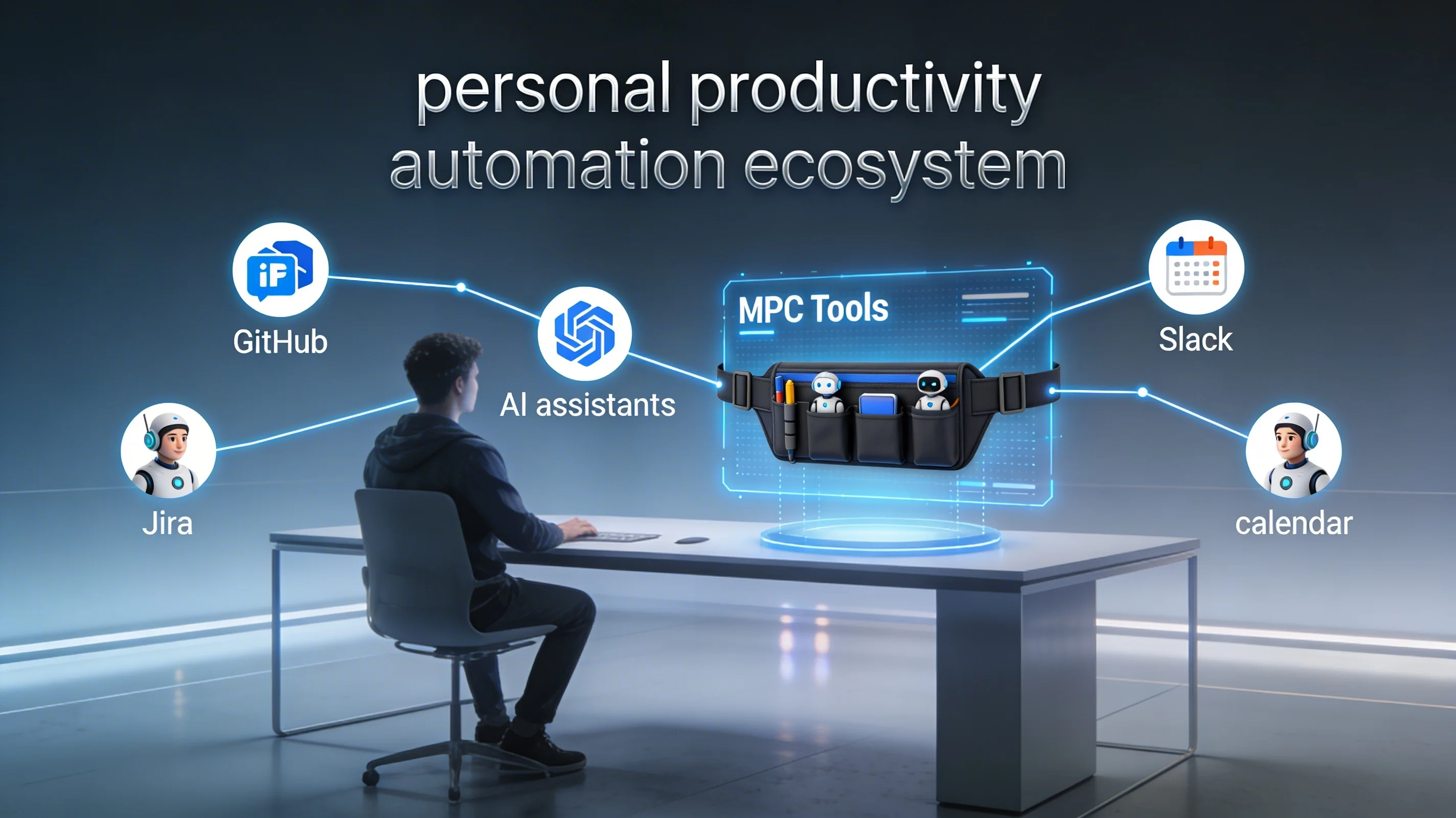
A personal agent stack is not a single AI tool. It is a collection of configured agents, each handling a specific category of work in your workflow, connected through shared context and a consistent interface for directing them.
The "personal" part is important. Unlike enterprise agent deployments that require security review, IT approval, and organization-wide standardization, a personal agent stack is configured and operated by an individual developer to handle their own workflow. This creates the flexibility to iterate quickly, customize for your specific tech stack and working style, and experiment with new agent capabilities without requiring organizational consensus.
The practical unit of configuration in a personal agent stack is the MCP (Model Context Protocol) tool connection. MCP defines a standard interface through which an agent can discover and invoke capabilities—reading from your code editor, querying your database, creating GitHub issues, checking your calendar. Each connected tool extends the agent's ability to observe your context and take action on your behalf. The more connected your stack, the more context the agent has, and the more capable it becomes of handling work autonomously.
The Category Map: What Agents Handle Well
Research and context retrieval is where agents provide the most immediate, frictionless value. Questions that require searching through codebases, documentation, past issues, or Slack history—questions that you currently answer by opening multiple tabs and scanning through results—can be answered by an agent in seconds with more comprehensive coverage than manual search.
For a developer working in a large codebase, the canonical example is "where does X happen in this codebase, and what depends on it?" A search tool answers the first part. An agent with access to the codebase, type definitions, and dependency graph can answer the second part as well, and can do it in the context of what you are currently trying to accomplish.
PR and commit preparation is the highest-leverage automation for most developers. Generating a PR description that accurately summarizes the changes in a branch—organized by logical groups of changes, highlighting the significant decisions, noting the testing coverage—is exactly the kind of task where an agent with access to your git history, your issue tracker, and your codebase can produce output that is directly usable with minimal editing.
The same applies to commit messages. "Fix the thing" is a commit message that will frustrate your future self. An agent that can see the diff and the issue context can generate a commit message that accurately describes what changed and why, in the format your team uses, consistently across all your commits.
Issue triage and response covers the work of reviewing incoming bug reports, determining whether they are duplicates, assessing severity and priority, and drafting responses. For an open-source project or a developer-facing product with an active issue tracker, this work can easily consume an hour or more per day. An agent with access to your issue tracker, your codebase, and your documentation can handle the first pass—identifying duplicates, suggesting root cause hypotheses, drafting initial responses—while routing genuinely novel or complex issues to your attention.
Documentation generation is the category where agents most reliably produce output that passes a quality bar. API documentation generated from function signatures and type definitions, readme files generated from codebase structure, changelog entries generated from commit history—these are all tasks where an agent has all the information it needs and can produce output that requires only review rather than composition from scratch.
Building Your Stack: Starting Points
The practical starting point for a personal agent stack depends on where your personal workflow friction is highest. The most common starting points for developers:
| Category | What It Automates | Key MCP Tools |
|---|---|---|
| GitHub + issue tracking | PR descriptions, issue triage, branch analysis | GitHub, Linear, Jira |
| Codebase search & analysis | Context-aware code questions, architecture queries | Filesystem, editor integrations |
| Documentation & communication | Cross-referencing docs and code, drafting updates | Slack, Notion, Confluence |
| Calendar & project management | Prioritization, scheduling, deadline tracking | Google Calendar, Todoist |
GitHub + issue tracking integration addresses PR and issue workflow. A Neumar configuration with GitHub MCP tools connected to your repositories enables agents that can read your open issues, analyze your current branch against them, generate PR descriptions, and draft issue responses without requiring you to context-switch between tools.
Codebase search and analysis adds the ability to ask questions about your code and get accurate, context-aware answers. This requires connecting your code editor or a filesystem tool and configuring the agent with enough context about your codebase's architecture to produce useful analysis rather than generic observations.
Documentation and communication tools—Slack, Notion, Confluence—extend the agent's context to your team's communication and knowledge base. An agent that can see both your codebase and your documentation can answer "is this thing documented?" and "does the documentation match what the code actually does?" questions that currently require manual cross-referencing.
Calendar and project management integration enables the agent to reason about scheduling, deadlines, and prioritization. "What should I work on today given these open issues and this deadline?" becomes answerable when the agent has access to both your ticket priorities and your available time.
Neumar's MCP Integration: What 10,000+ Skills Actually Means
Neumar's integration with 10,000+ MCP skills is the practical implementation of this vision. The value is not the number—it is what the number enables: there is almost certainly already a pre-built agent capability for the specific tool you need to connect, which means you are configuring rather than building.
The shift from "I would need to build an integration to do this" to "I can configure a connection to do this" is the same shift that happened in software development when package managers made library reuse fast. You do not need to be able to build the capability to benefit from it. You need to be able to evaluate which capability fits your use case and configure it correctly.
Neumar's workspace isolation ensures that this personal stack stays personal—the agent's access is scoped to the tools and data you have explicitly configured, without access to system resources outside that boundary. This is the prerequisite for trusting an agent with access to your development environment: you need to know exactly what it can and cannot reach.
The Long-Term Memory Dimension
The most powerful personal agent deployments share a characteristic that single-session tools do not have: persistent context about your working patterns, your codebase, and your preferences that accumulates over time.
A personal agent that has seen 200 of your commit messages knows your commit conventions without being told. An agent that has seen you file 50 tickets knows how you structure severity classifications. An agent that has assisted with 30 PR reviews knows which patterns you consistently flag and which you accept.
This accumulated context is what transforms an agent from a capable assistant you have to brief every session into a genuine development partner that understands your work deeply enough to produce output that fits naturally into your workflow without extensive guidance.
Neumar's long-term memory system—with embedding support for local, OpenAI, and Gemini providers—is the infrastructure layer that enables this accumulation. The memory system is not just a conversation history; it is a queryable representation of context that agents can retrieve selectively based on relevance to the current task. The agent can retrieve "the patterns I use for database migration commits" without loading every commit message you have ever written into the context window.
What Changes (and What Does Not)
The most important thing that does not change with a personal agent stack is the requirement for engineering judgment. Agents produce output that requires evaluation. They get things wrong in ways that are sometimes subtle. They do not know which edge cases matter in your specific deployment environment, which performance tradeoffs are acceptable given your user base, or which technical debt is worth accumulating and which is not.
What changes is where your attention goes. The hours you currently spend on research, documentation, PR preparation, and routine communication can be substantially compressed. What you do with the reclaimed time is the variable that determines the impact of the stack. The developers who get the most from personal agent systems are those who reinvest the time in the work that requires deep focus: architectural thinking, complex problem-solving, and the quality conversations with colleagues and users that produce the clarity needed to build the right things.
Building the stack takes a day of configuration work. Getting value from it takes a few weeks of calibration—learning where the agents are reliable, where they need guidance, and how to direct them effectively. The investment pays back quickly for any developer whose workflow includes more than three or four hours per week of the research, documentation, and communication work that agents handle well.
Start with the highest-friction task in your current workflow. Configure one agent capability to address it. Observe the output for a week. Extend from there. The cumulative effect of many small friction reductions is a working day that is meaningfully more focused on the work that requires you to be you.