
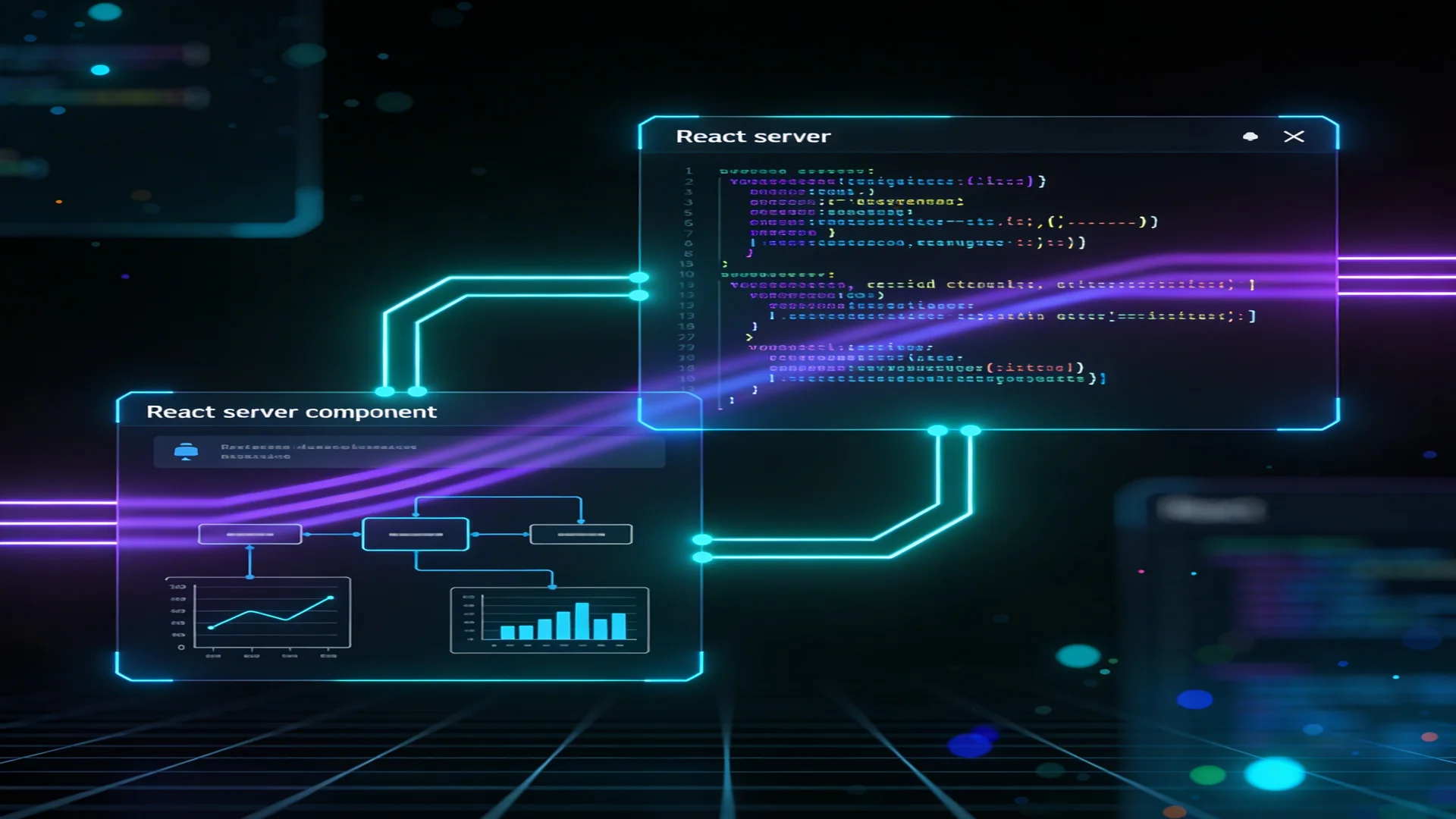
Next.js 16 shipped with changes to how server components handle async data that directly affect agent application architecture. The most consequential: params in server components must now be awaited directly — a subtle change that clarifies the boundary between server-side data loading and client-side interactivity in ways that agent applications benefit from.
Agent applications have a specific data fetching pattern that differs from typical web applications. A standard web page loads data, renders it, and waits for user interaction. An agent application loads data, renders it, initiates an agent session that produces a stream of events over seconds or minutes, and continuously updates the UI as the agent works. The data fetching architecture needs to support both the initial load and the ongoing stream without conflicting.
Next.js 16's architecture handles this pattern well — but only if you use the right patterns. Here is what works, what does not, and why.
The Params Change in Next.js 16
The most immediate change that affects existing code:
// Next.js 15 — params available synchronously
async function Page({ params }: Props) {
  const { account } = params; // Direct access
}

// Next.js 16 — params must be awaited
async function Page({ params }: Props) {
  const { account } = await params; // Must await
}
This is not cosmetic. The await signals that params resolution may involve asynchronous work — middleware processing, route matching, dynamic segment resolution. In agent applications where the [account] parameter determines data access (through RLS policies on the account's data), this async resolution ensures that authentication and authorization context is fully resolved before the component begins fetching data.
For non-async server components, React.use() replaces await:
function Page({ params }: Props) {
  const { account } = use(params); // Non-async pattern
}
Server Components for Agent Page Data
The primary pattern for agent application pages: async server components that load page data, passing it to client components that handle the interactive agent session.
// app/home/[account]/agents/[agent]/page.tsx
async function AgentPage({ params }: Props) {
  const { account, agent } = await params;

  // Parallel data fetching — critical for performance
  const [agentConfig, sessionHistory, accountData] = await Promise.all([
    loadAgentConfig(agent),
    loadSessionHistory(account, agent),
    loadAccountData(account),
  ]);

  return (
    <AgentWorkspace
      config={agentConfig}
      history={sessionHistory}
      account={accountData}
    />
  );
}
The Promise.all pattern for parallel data fetching is not optional — it is a performance requirement. Agent pages typically load 3-5 data sources: agent configuration, session history, account context, available tools, and user preferences. Sequential fetching adds the sum of all query latencies. Parallel fetching reduces this to the single longest query.
The performance difference is measurable. A page that loads four data sources, each taking 50-100ms, completes in 50-100ms with parallel fetching versus 200-400ms with sequential fetching. For pages that users visit frequently — the agent workspace is the primary work surface — this difference matters.
The Server-Client Boundary for Agent Sessions
The critical architectural decision in agent pages: where to draw the server-client boundary.
Server side: Everything that happens before the agent session starts — loading configuration, fetching history, resolving account context, checking permissions. This data is loaded once, does not change during the session, and benefits from server-side rendering for initial load performance.
Client side: Everything that happens during the agent session — SSE consumption, message rendering, user input, real-time state updates. This requires client-side React with hooks for state management and event handling.
// Server component loads initial data
async function AgentPage({ params }: Props) {
  const { account } = await params;
  const data = await loadAgentPageData(account);

  // Pass to client component that handles the session
  return <AgentSession initialData={data} />;
}

// Client component manages the interactive session
'use client';
function AgentSession({ initialData }: { initialData: AgentPageData }) {
  const { messages, append, isLoading } = useCopilotChat();

  // Interactive agent UI...
}
This boundary placement means the initial page load is server-rendered with all data resolved — fast, SEO-friendly (if relevant), and cacheable. The agent session starts on the client after hydration, consuming SSE events from the agent API route.
Loader Functions and Data Access
The loader pattern — extracting data fetching into dedicated functions in _lib/server/ directories — keeps server components clean and makes data access testable:
// _lib/server/agent-page.loader.ts
import 'server-only';
import { getDb, eq, and, desc } from '@kit/database';
import { agentSessions } from '@kit/database/schema';

export async function loadSessionHistory(
  accountSlug: string,
  agentType: string,
) {
  const db = getDb();
  const account = await resolveAccountFromSlug(accountSlug);

  return db
    .select()
    .from(agentSessions)
    .where(
      and(
        eq(agentSessions.accountId, account.id),
        eq(agentSessions.agentType, agentType),
      ),
    )
    .orderBy(desc(agentSessions.createdAt))
    .limit(50);
}
The import 'server-only' directive is not decoration — it prevents this module from being accidentally imported in client code, which would expose database queries to the browser bundle. For agent applications that handle sensitive data (agent configurations, session histories, account credentials), this boundary enforcement is a security requirement.
Server Actions for Agent Mutations
Agent applications need mutations: creating sessions, saving results, updating configurations, deleting history. Server actions with enhanceAction provide authenticated, validated mutations:
// _lib/server/agent-server-actions.ts
'use server';

import { enhanceAction } from '@kit/next/actions';
import { getDb, agentSessions } from '@kit/database';
import { z } from 'zod';

const CreateSessionSchema = z.object({
  accountId: z.string().uuid(),
  agentType: z.string().min(1),
  metadata: z.record(z.unknown()).optional(),
});

export const createAgentSession = enhanceAction(
  async (data, user) => {
    const db = getDb();
    const [session] = await db
      .insert(agentSessions)
      .values({
        accountId: data.accountId,
        agentType: data.agentType,
        metadata: data.metadata,
      })
      .returning();

    return { success: true, data: session };
  },
  { schema: CreateSessionSchema },
);
The enhanceAction wrapper handles authentication (ensuring the user is logged in) and schema validation (ensuring the input matches the expected shape). RLS policies on the agentSessions table handle authorization — the database rejects inserts where the user does not have access to the specified account.
This pattern — enhanceAction for authentication, Zod for validation, RLS for authorization — creates a layered security model where no single layer needs to handle all security concerns. Each layer handles what it is best at, and a failure in one layer does not compromise the others.
Streaming Architecture
The agent API route produces an SSE stream. Next.js 16's Route Handlers support SSE natively through the ReadableStream API:
// app/api/agents/[slug]/route.ts
export async function POST(req: NextRequest) {
  // ... agent configuration and setup

  return createSSEResponse(runAgent(input));
}
The createSSEResponse utility from @kit/ag-ui-server wraps the async generator in a ReadableStream with the correct SSE headers. The AG-UI protocol defines the event format — RUN_STARTED, TEXT_MESSAGE_CONTENT, TOOL_CALL_START, TOOL_CALL_END, RUN_FINISHED — providing a standard vocabulary for agent events that the CopilotKit client knows how to consume.
This standardization is what makes the architecture work without custom SSE parsing on the client side. The AG-UI protocol defines the events. CopilotKit consumes them. The application code renders messages and handles user input without needing to understand the SSE transport.
The Patterns That Do Not Work
Two patterns that are tempting but produce problems:
Polling for agent results. Fetching agent status on an interval (every 500ms, every second) rather than using SSE streaming. This works functionally but creates unnecessary server load, adds latency (up to one polling interval), and complicates error handling. SSE provides real-time delivery with lower overhead.
Server component data fetching for agent state. Attempting to use server components to re-fetch agent state during a session (via React Server Component streaming) creates race conditions with the SSE stream. The server component fetches stale data while the SSE stream delivers real-time updates. Keep agent session state on the client, managed by CopilotKit hooks.
Summary
The architecture that works for agent applications on Next.js 16:
| Layer | Pattern | Responsibility |
|---|---|---|
| Server Component | Async with await params, parallel Promise.all | Initial data loading, page rendering |
| Loader Functions | _lib/server/ with server-only | Data access, query composition |
| Server Actions | enhanceAction + Zod + RLS | Authenticated mutations |
| API Route | SSE via createSSEResponse | Agent session streaming |
| Client Component | CopilotKit hooks | Interactive agent UI |
This separation keeps each layer focused, testable, and secure. The server handles what servers do best (data loading, authentication, rendering). The client handles what clients do best (interactivity, real-time updates, user input). The API route bridges them with a standard streaming protocol.
Neumar's web application implements these patterns across its agent ecosystem — from the Jira triage agent to GenAI Studio. The architecture is production-tested with Next.js 16, Drizzle ORM, Supabase, and the Claude Agent SDK.