
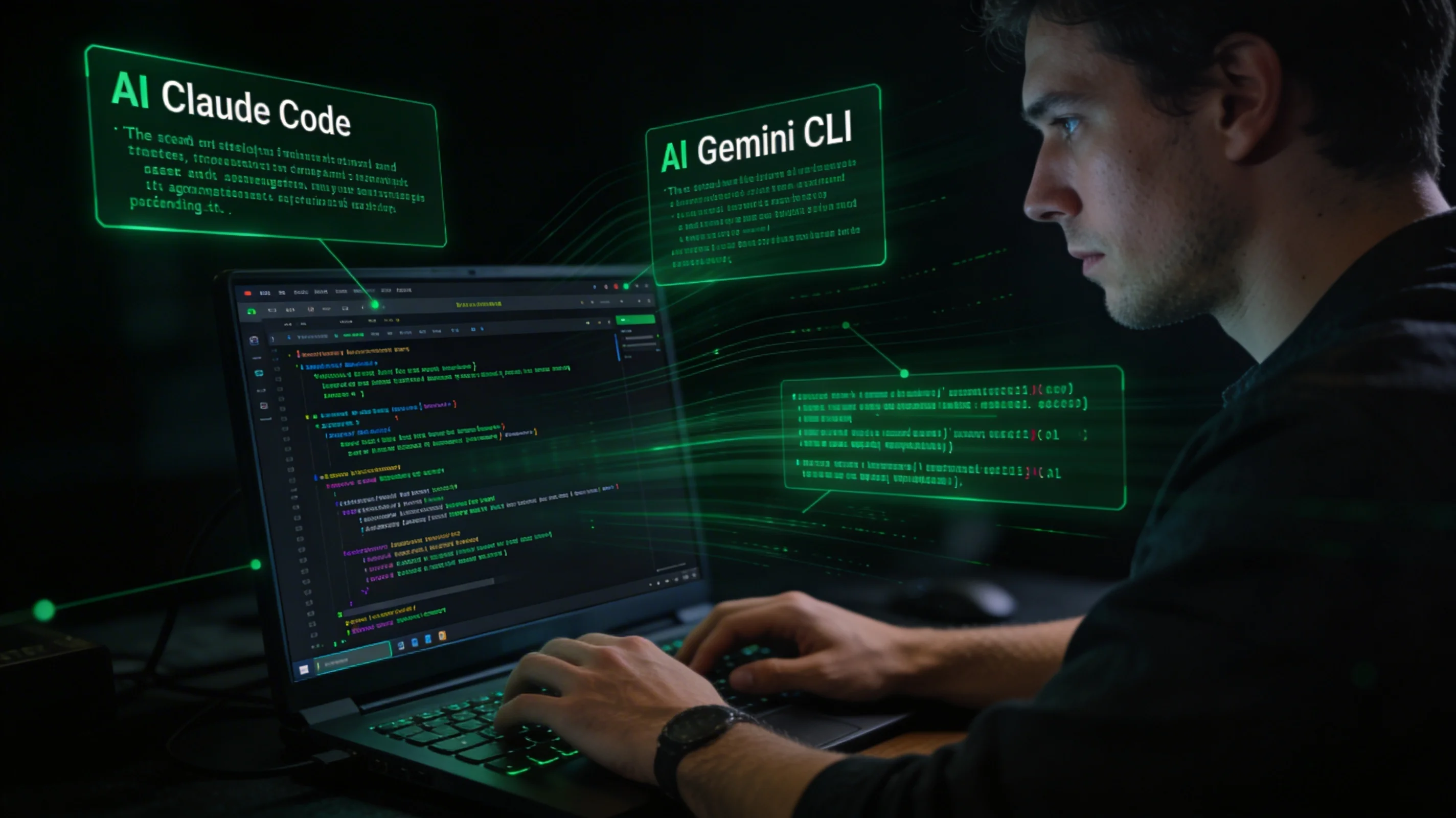
Something interesting happened in 2025: the most powerful AI coding tools stopped being IDE plugins. Anthropic launched Claude Code as a CLI program. Google shipped Gemini CLI. Amazon's Q Developer expanded its terminal footprint. The most enthusiastic communities around AI-assisted development were, surprisingly, the ones that spend most of their day in a terminal rather than a GUI.
This is not a coincidence or an aesthetic preference. It reflects something real about where the limits of IDE-integrated AI assistance show up, and what becomes possible when AI moves out of the editor and into the shell.
Why the Terminal Is a Better Host for AI Agents
The IDE is a narrow execution context. It can read files, suggest completions, run the current project's test suite, and make limited edits. Everything outside that boundary — running arbitrary shell commands, interacting with command-line tools, composing multi-step operations across different programs — requires either a terminal or a purpose-built integration.
This matters for AI because the most valuable AI-assisted tasks are the ones that cross system boundaries. Implementing a new feature in isolation is useful but straightforward. The harder work involves understanding how a feature fits into the existing architecture, modifying multiple files across subsystems, updating configuration, running migrations, validating the result with tests, and tying it back to the ticket or issue it was created to address. That work is inherently multi-system.
A terminal-native AI tool has access to every command-line program on the system. If git, psql, kubectl, jq, and curl are available in the shell, they are available to the agent. The tool does not need built-in integrations for each; it uses the same tools the developer uses. This is a fundamentally broader capability surface than any plugin architecture can provide.
There is also a transparency argument. When an AI agent operates through the terminal, every action it takes is a shell command or a file operation that can be logged, inspected, and replayed. There is no opaque "IDE operation" abstraction obscuring what the agent actually did. Terminal-native operation makes the agent's behavior auditable in a way that is natural to how developers already reason about system behavior.
Claude Code: How Terminal-First Design Changes Agent Behavior
Claude Code's design philosophy is worth examining in detail because it illustrates what terminal-first AI assistance actually looks like in practice.
When you start a Claude Code session, you give it a task in natural language. It reads the relevant files, understands the codebase structure, plans its approach, and executes changes through a series of file writes and shell commands. It runs tests, checks the output, and iterates. The entire interaction is mediated through standard terminal I/O, with no GUI required.
The practical effects are significant. Claude Code can invoke any command-line tool without requiring a pre-built integration. It can run grep to find patterns, git log to understand history, custom scripts to validate invariants, or docker compose up to test in a realistic environment. The developer's existing toolchain becomes the agent's toolchain.
Multi-file refactors that would require manually navigating multiple editor panels become single-instruction tasks: "rename this interface and update all implementations across the codebase." The agent makes the changes, runs the type checker, fixes any errors introduced, and reports the result. The developer reviews a diff, not a sequence of individual edits.
This changes the unit of work. Instead of "make AI suggest each individual change and approve it one by one," the interaction becomes "describe the outcome and review the complete result." For experienced developers with clear intent, this is dramatically more efficient. For developers who are still learning or uncertain about the correct approach, it requires more careful review — the agent's confidence can outrun the developer's ability to validate quickly.
Gemini CLI and the Multi-Model Terminal Ecosystem
Google's Gemini CLI brought a different set of properties to the terminal-native space. Its long context window (up to two million tokens in Gemini 1.5 Pro) enables operations over codebases that exceed Claude Code's comfortable range. For very large monorepos where the entire relevant codebase needs to be in context simultaneously, this is a genuine capability difference.
Gemini CLI also introduced patterns for interactive session management — maintaining state across multiple commands within a session in a way that feels natural to terminal users accustomed to stateful shell sessions. The session model is closer to a persistent REPL than to a chatbot with conversation history.
The practical result of multiple capable CLI-native AI tools is that developers are beginning to treat them as composable utilities rather than monolithic assistants. A workflow might use Claude Code for multi-file refactoring, Gemini CLI for reading a large codebase to answer architectural questions, and a custom script that shells out to both via their APIs for specialized pipeline tasks. This composability is native to terminal tools and awkward or impossible with GUI-embedded assistants.
The Productivity Pattern That Emerges
Developers who have shifted to terminal-native AI workflows describe a consistent pattern in how their work changes.
Larger task granularity. The natural unit of work grows from "implement this function" to "implement this feature end-to-end." With IDE completions, the developer remains in the driver's seat for every line. With CLI agents, the developer specifies intent and validates outcome. This is a meaningful shift in the nature of the work.
More time in review, less time typing. Code reviews — of both AI output and human team members' output — become the primary cognitive activity rather than a secondary one. The skill of writing a precise, well-scoped task description that produces high-quality agent output is genuinely different from the skill of writing code directly, and developers who develop that skill see significant productivity gains.
Deeper integration with existing tooling. The terminal toolchain that developers have assembled over years — custom scripts, aliases, specialized command-line tools — becomes directly available to the AI. There is no integration work required. This compounds the value of an existing mature toolchain rather than deprecating it.
Where Desktop Agents Extend the CLI Model
The limitation of pure CLI-native tools is that they are session-scoped. Each Claude Code session starts fresh. The agent has no memory of what you worked on last Tuesday, no awareness of the patterns that have emerged across your project over the past month, and no persistent understanding of your preferences and working style.
This is where desktop agent applications like Neumar extend the CLI model rather than replace it. Neumar operates at the terminal layer — it executes shell commands, coordinates with CLI tools, and has the same broad system access that makes CLI agents powerful. But it adds persistence: a long-term memory system that accumulates context across sessions, a structured understanding of ongoing projects, and awareness of previous decisions and their outcomes.
The combination addresses the most significant gap in the CLI-first approach. A Claude Code session is powerful but ephemeral. A Neumar session builds on accumulated context that makes each subsequent session more capable than the last, because the agent already understands the project, the developer's preferences, and the history of decisions that shaped the current codebase.
The workflow that emerges: use CLI tools for quick, bounded tasks where session-scope context is sufficient. Use a desktop agent for work where project history and accumulated context make a material difference to quality — architecture decisions, refactors of systems with complex history, integrations with external services that require understanding of how the system has evolved.
The Genuine Shift
The move to CLI-first AI tools is not nostalgia for terminal-centric workflows. It reflects a genuine capability advantage: the terminal is the universal execution context, and AI agents operating there can do things that IDE plugins structurally cannot.
For developers willing to adjust their working patterns toward specifying intent and reviewing outcomes rather than implementing individual changes, the productivity gains are real. The tooling is maturing quickly, the capability ceiling is rising, and the workflows that emerge from this shift will define how professional software development looks in the coming years.
CLI-First AI Tools Comparison
| Tool | Developer | Key Strength | Context Window |
|---|---|---|---|
| Claude Code | Anthropic | Multi-file refactoring, tool composability | Up to 200K tokens |
| Gemini CLI | Very large codebase ingestion | Up to 2M tokens (Gemini 1.5 Pro) | |
| Amazon Q Developer CLI | AWS | Deep AWS ecosystem integration | Varies by model |
IDE Plugin vs. Terminal-Native AI
| Dimension | IDE Plugin | Terminal-Native Agent |
|---|---|---|
| Tool access | Editor APIs, limited integrations | Every CLI program on the system |
| Task scope | Single-file edits, completions | Multi-file refactors, cross-system workflows |
| Transparency | Opaque IDE operations | Logged shell commands, inspectable and replayable |
| Session persistence | Editor session | Ephemeral (CLI) or persistent (desktop agent) |
| Composability | Limited to plugin architecture | Composable with other CLI tools and scripts |