
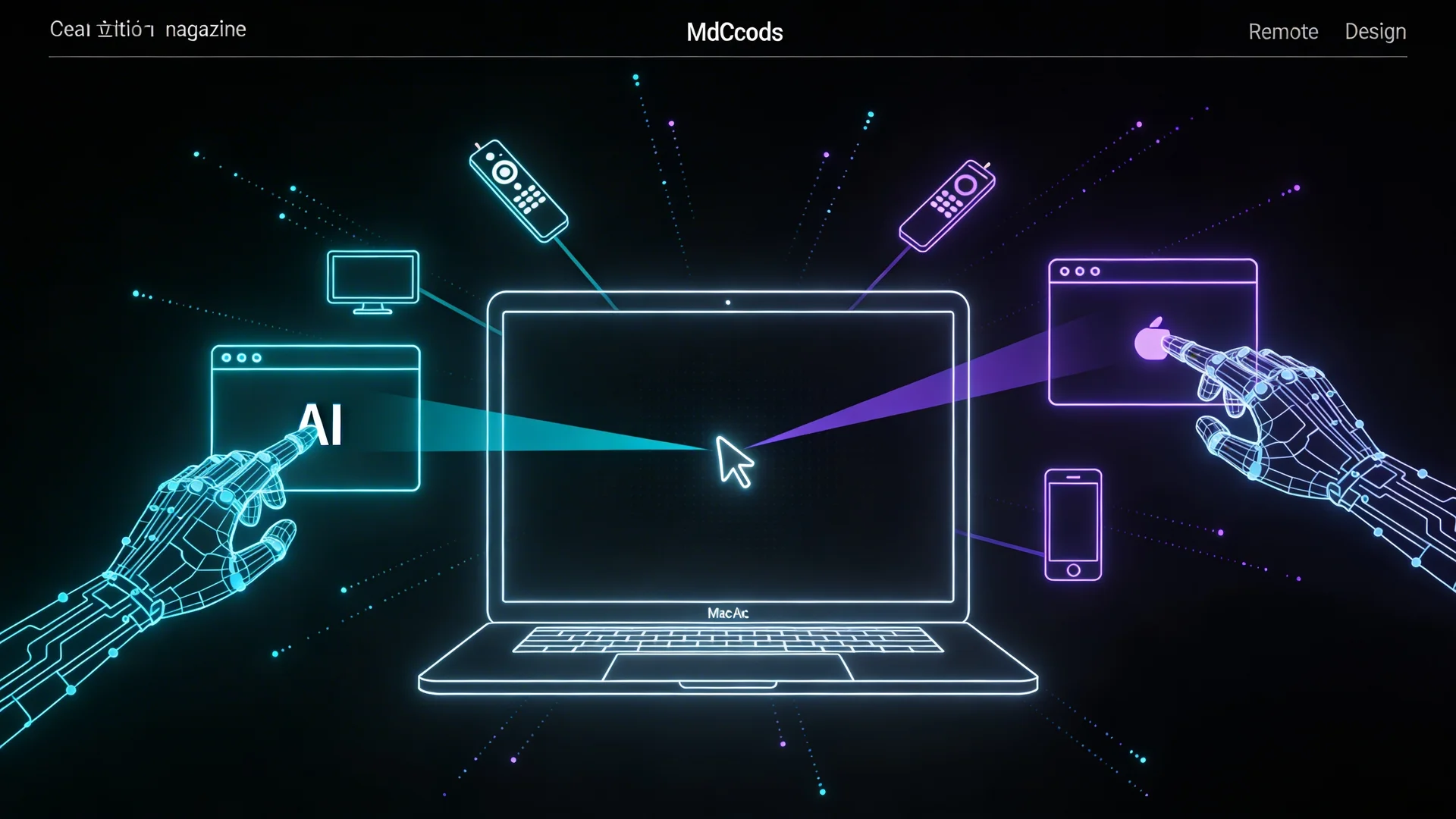
On March 23, 2026, Anthropic rolled out a capability that shifts the boundary of what AI agents can do on consumer hardware: Claude can now control your Mac like a human user. Open applications, navigate browsers, fill spreadsheets, organize files — all through screen observation and native input simulation, with no API integrations or custom connectors required.
The feature, available to Claude Pro and Max subscribers on macOS as a research preview, includes a remote dispatch mode where users send instructions from their phone and Claude carries them out on the desktop. This is not screen sharing. Claude is not streaming your display to a server. It is running locally, observing the screen through screenshots via macOS Screen Recording permissions, and executing actions through Accessibility permissions — clicking, scrolling, and typing like a remote human assistant.
Understanding the architecture reveals decisions that matter for anyone building desktop agent applications.
How Computer Use Actually Works
Claude's computer use capability operates through a perception-action loop that is architecturally distinct from tool-based agent interaction.
In a tool-based agent system — the pattern used by Claude Code, Neumar, and most production agent frameworks — the agent interacts with structured APIs. It calls a function like readFile('/src/auth.ts') and receives typed data. The agent never sees a screen. It operates entirely through programmatic interfaces.
Computer use inverts this. The agent observes the screen as a rendered image, identifies UI elements through visual understanding, and executes actions through simulated keyboard and mouse input. It is, functionally, pretending to be a human sitting at the computer.
| Property | Tool-Based Agents | Computer Use Agents |
|---|---|---|
| Interface | Structured APIs, typed functions | Screen pixels, keyboard/mouse |
| Reliability | High (deterministic tool responses) | Variable (UI layouts change) |
| Speed | Fast (direct data access) | Slower (render → observe → act cycle) |
| Coverage | Limited to available tools | Any application with a GUI |
| Failure mode | Clear error responses | Misidentified UI elements, wrong clicks |
The coverage advantage is the key insight. Computer use provides a universal fallback: when Claude lacks a direct connector for an application — Slack, Google Calendar, an internal enterprise tool — it can fall back to operating the GUI like a human would. This eliminates the long tail of integration work that prevents agent adoption for workflows spanning many applications.
The Dispatch Pattern: Phone to Desktop
The remote dispatch capability introduces an interaction model that does not have a clean precedent in consumer software. The user is on their phone, away from their desk. They send a natural language instruction — "organize the Q1 reports in the finance folder and email the summary to Sarah" — and Claude executes it on their Mac.
This is architecturally interesting because it separates intent specification from execution environment. The intent is formed on a mobile device with minimal input capability. The execution happens on a desktop with full application access. Claude bridges the gap, translating high-level intent into a sequence of GUI interactions.
For the user, this means their desktop becomes an asynchronous work environment. Tasks that require a specific application — updating a spreadsheet, organizing files, running a local tool — no longer require being physically present at the machine. The desktop becomes a remote execution environment that accepts natural language instructions.
Why This Matters for Desktop Agent Development
Computer use is a capability layer, not an application. Anthropic ships it as part of Claude Desktop, but the underlying capability — screen observation, element identification, input simulation — is available through the API for developers building their own applications.
For desktop agent platforms like Neumar, computer use adds a fallback capability tier beneath the structured tool layer. The architecture becomes:
Structured tools first. When an MCP server or native tool exists for a task, use it. Structured tools are faster, more reliable, and produce typed results that downstream logic can consume.
Computer use as fallback. When no structured tool exists, fall back to computer use. The agent can operate any application with a GUI, at the cost of slower execution and lower reliability.
Hybrid execution. A single task can mix both modes. Use structured tools for the parts of the workflow that have API coverage. Use computer use for the parts that do not. The agent manages the transition between modes transparently.
This tiered architecture addresses the integration gap that limits most agent platforms: the distance between the tools you have and the tools you need. Computer use does not close this gap entirely — it is slower and less reliable than structured tools — but it makes the gap navigable rather than blocking.
Current Limitations
Anthropic is explicit that computer use is experimental, and the limitations are real:
Speed. The perception-action loop — render screen, process image, identify elements, execute action — takes measurably longer than a structured tool call. Tasks that a human completes in seconds may take the agent tens of seconds as it processes each screen state.
Reliability. UI layouts vary. Modal dialogs appear unexpectedly. Applications render differently depending on window size, theme, and state. The agent's visual understanding is good but not perfect — misidentified elements and incorrect clicks happen, particularly in complex or unfamiliar UIs.
Platform scope. macOS only at launch, with Windows and Linux planned. This limits the feature's utility for teams with heterogeneous desktop environments.
Security surface. An agent that can operate any application on your computer has a large potential blast radius. Anthropic implements safety boundaries — confirmation dialogs for sensitive actions, restricted access to certain system areas — but the security model for computer-controlling agents is still evolving.
The Trajectory
Computer use is not a finished product. It is the first consumer deployment of a capability that has been in research preview since late 2024. The trajectory is clear: as visual understanding improves and execution speed increases, the reliability gap between computer use and structured tools will narrow.
For agent developers, the practical implication is that the set of tasks an agent can handle is about to expand significantly. Tasks that were previously blocked by missing integrations — "update this spreadsheet in the proprietary finance tool" — become feasible through computer use, even if the execution is slower and requires more oversight than a native integration would.
The combination of structured tools for high-reliability, high-frequency tasks and computer use for the long tail of GUI-only applications produces an agent that can, in principle, handle any task that a human can handle at a computer. That is a meaningful capability expansion, and one worth watching as the technology matures.
Neumar's architecture supports both MCP-based structured tools and extensible tool layers. As computer use capabilities mature and become available through the Claude Agent SDK, Neumar's agent orchestration will incorporate them as a fallback tier beneath the existing structured tool system — extending agent capability to any application with a graphical interface.