
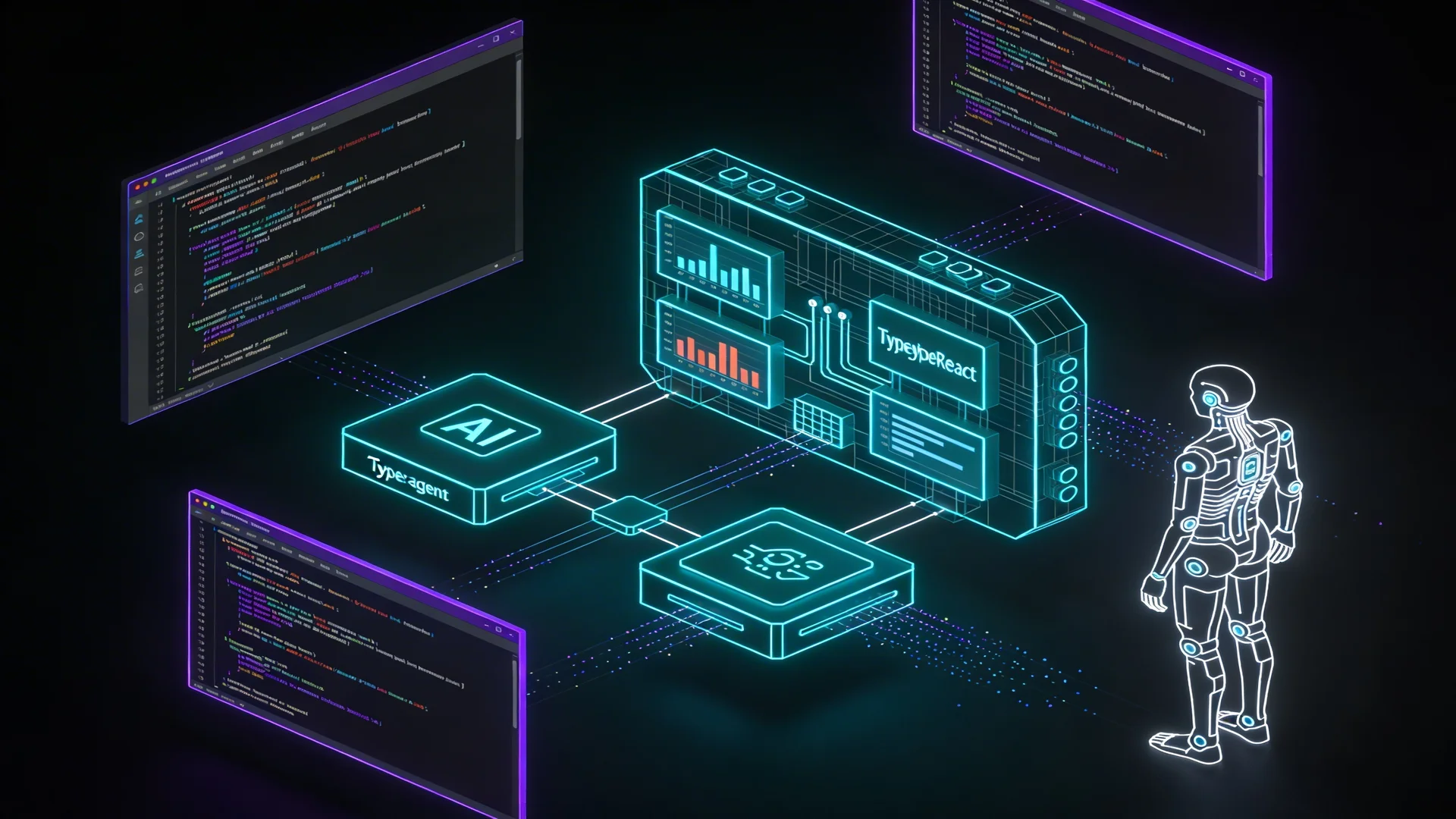
The stack for building agent-powered web applications has consolidated significantly since early 2025. A year ago, building an application where an AI agent could take actions, use tools, and stream results to a browser required stitching together multiple libraries with incompatible abstractions, implementing custom streaming protocols, and managing agent state through ad hoc solutions.
In 2026, the stack has a recognizable shape: Next.js App Router for the application layer, the Claude Agent SDK for agent orchestration, the AG-UI protocol for client-server streaming, and CopilotKit for React-side agent integration. This is the stack Neumar's web application is built on, and it is the stack that an increasing number of production agent applications use.
This guide covers the architecture decisions and implementation patterns that matter when building with this stack — not as a tutorial for beginners, but as a reference for practitioners making the same decisions.
The Architecture
The application has three layers, each with a clear responsibility:
┌─────────────────────────────────────────┐
│  Client Layer (React + CopilotKit)      │
│  - UI rendering                         │
│  - SSE event consumption                │
│  - Agent state management               │
├─────────────────────────────────────────┤
│  API Layer (Next.js Route Handlers)     │
│  - Agent configuration and dispatch     │
│  - SSE stream production                │
│  - Authentication and authorization     │
├─────────────────────────────────────────┤
│  Agent Layer (Claude Agent SDK)         │
│  - Model interaction                    │
│  - Tool dispatch and execution          │
│  - Conversation state management        │
└─────────────────────────────────────────┘
The client layer consumes agent events through Server-Sent Events and renders them in real time. CopilotKit provides React hooks (useCopilotChat) that abstract the SSE consumption and state management, so the React components deal with messages and loading states rather than raw event streams.
The API layer handles agent configuration, authentication, and the translation between the Claude Agent SDK's message format and the AG-UI protocol's event format. This is a Next.js Route Handler that produces an SSE stream.
The agent layer is the Claude Agent SDK — managing the model interaction loop, tool dispatch, error handling, and conversation state. The SDK handles the complexity of the agent run loop so the application code focuses on configuration rather than orchestration.
The API Route Pattern
The agent API route is the most architecturally significant piece. It bridges the Claude Agent SDK's async generator output with the AG-UI protocol's SSE event format:
import { createSSEResponse, translateMessage } from '@kit/ag-ui-server';
import { runAgentWithTracing } from '@kit/claude-sdk';
import { EventType } from '@kit/ag-ui-server';

export async function POST(req: NextRequest, { params }: RouteParams) {
  const { slug } = await params;
  const config = getAgentConfig(slug);

  async function* runAgent(input: RunAgentInput) {
    yield { type: EventType.RUN_STARTED, threadId, runId };

    for await (const message of runAgentWithTracing(prompt, config)) {
      const events = translateMessage(message, state);
      for (const event of events) yield event;
    }

    yield { type: EventType.RUN_FINISHED, threadId, runId };
  }

  return createSSEResponse(runAgent(input));
}
The runAgentWithTracing function wraps the Claude Agent SDK's run primitive with Langfuse observability tracing. The translateMessage function converts the SDK's message format into AG-UI events. The createSSEResponse function produces the SSE stream from the async generator.
This pattern — async generator → event translation → SSE stream — is composable and testable. Each function has a single responsibility. The generator produces events. The translator converts formats. The response wrapper handles HTTP semantics. Testing each in isolation is straightforward.
Agent Configuration
Agent configuration follows a registry pattern: each agent type is a named configuration that specifies its model, system prompt, tools, and behavioral constraints:
function getAgentConfig(slug: string): AgentOptions | null {
  switch (slug) {
    case 'code-reviewer':
      return {
        model: 'sonnet',
        maxTurns: 30,
        systemPrompt: codeReviewPrompt,
        tools: [githubTools, codebaseTools],
      };
    case 'research-assistant':
      return {
        model: 'opus',
        maxTurns: 50,
        thinking: { type: 'adaptive' },
        systemPrompt: researchPrompt,
        tools: [webSearchTools, documentTools],
      };
    default:
      return null;
  }
}
The registry pattern makes agent management explicit: adding a new agent type means adding a case to the registry with its configuration. There is no dynamic agent generation, no runtime configuration discovery — the set of available agents is known at build time.
This is a deliberate simplicity choice. Dynamic agent configuration (loading configs from a database or external service) adds flexibility at the cost of predictability. For most applications, the set of agent types is small and changes infrequently enough that a code-level registry is the right abstraction.
Client-Side Integration
The CopilotKit integration on the React side provides hooks that abstract SSE consumption:
'use client';
import { useCopilotChat } from '@copilotkit/react-core';

function AgentChat({ agentSlug }: { agentSlug: string }) {
  const { messages, append, isLoading } = useCopilotChat();

  const handleSubmit = (text: string) => {
    append({ role: 'user', content: text });
  };

  return (
    <div>
      <MessageList messages={messages} />
      <ChatInput onSubmit={handleSubmit} disabled={isLoading} />
    </div>
  );
}
One important gotcha: the useTranslation() hook from react-i18next returns undefined inside CopilotKit components because CopilotKit creates its own React tree that does not inherit the application's I18nProvider context. The solution is to use the global i18next instance directly:
import i18next from 'i18next';

// Inside CopilotKit components:
const t = (key: string) => i18next.t(`agents:${key}`);
This is a real-world integration issue that documentation rarely covers but that every team building i18n-aware agent UIs encounters.
Database Integration with Drizzle
Agent sessions, messages, and results need persistent storage. Drizzle ORM with PostgreSQL (via Supabase) provides typed database access that integrates cleanly with the rest of the stack:
import { pgTable, uuid, text, timestamp, jsonb } from 'drizzle-orm/pg-core';

export const agentSessions = pgTable('agent_sessions', {
  id: uuid('id').primaryKey().defaultRandom(),
  accountId: uuid('account_id').notNull(),
  agentType: text('agent_type').notNull(),
  status: text('status').notNull().default('active'),
  metadata: jsonb('metadata'),
  createdAt: timestamp('created_at', { withTimezone: true }).notNull().defaultNow(),
  updatedAt: timestamp('updated_at', { withTimezone: true }).notNull().defaultNow(),
});
RLS policies on the session table ensure that users can only access their own sessions — authorization is handled at the database level rather than in application code. This pattern reduces the authorization surface area: if RLS is correctly configured, every query through the authenticated Supabase client is automatically scoped to the user's data.
Observability with Langfuse
The runAgentWithTracing wrapper adds Langfuse tracing to every agent run, producing traces that capture:
- The full conversation history (messages in, messages out)
- Tool calls and their results
- Model selection and token usage
- Latency per turn and per tool call
- Error events and recovery actions
This observability is essential for production agent applications because agent failures are often subtle — the agent produces a response, but it is wrong in a way that requires examining the reasoning chain to diagnose. Langfuse traces provide the visibility to diagnose these failures without reproducing the entire conversation.
The Stack in Practice
The practical experience of building with this stack is that the infrastructure decisions are largely solved — streaming works, agent orchestration works, database integration works, observability works. The effort shifts from infrastructure to agent quality: writing better system prompts, choosing the right tools, configuring appropriate guardrails, and testing agent behavior across diverse inputs.
This is the right place for the effort to be. Infrastructure that works reliably lets teams focus on the parts of agent development that are genuinely hard — and genuinely valuable.
Neumar's web application is built on this exact stack: Next.js 16 App Router, Claude Agent SDK with Langfuse tracing, AG-UI protocol streaming, CopilotKit React integration, and Drizzle ORM with Supabase. The patterns described here are production-tested across Neumar's agent ecosystem.