
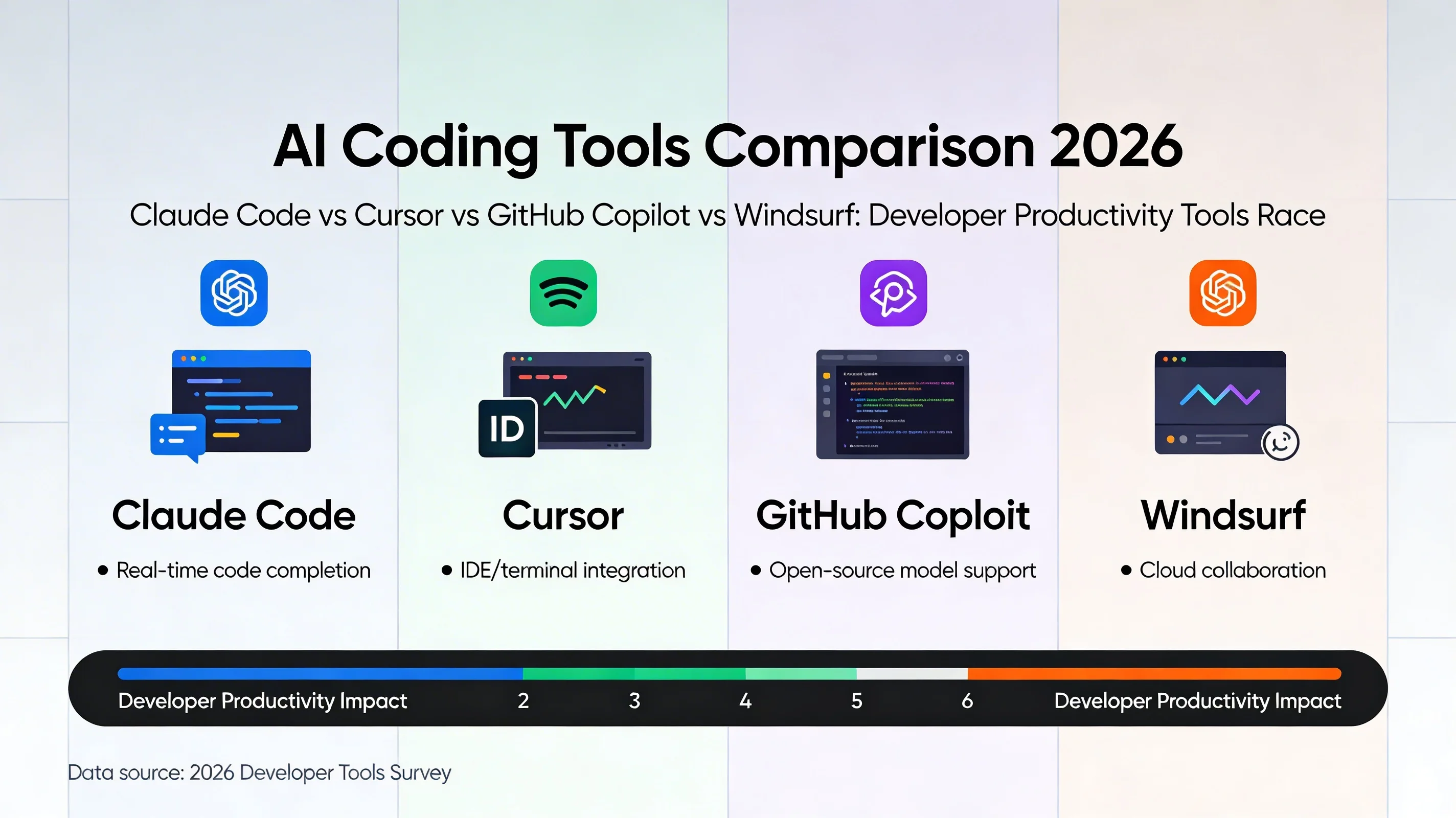
The AI coding tool landscape has consolidated considerably since early 2024. What was once a long tail of experimental plugins and one-off completions assistants has narrowed to a short list of serious tools that professional developers evaluate seriously. By early 2026, most developers working on non-trivial projects are using at least one AI coding tool in their daily workflow — the question is which ones, for what, and whether the combination actually improves output.
This comparison covers the four tools that appear most consistently in developer conversations: Claude Code, Cursor, Windsurf, and GitHub Copilot. It is written for developers who have already decided to adopt AI tooling and want a clear-eyed view of the real tradeoffs, not a marketing summary.
Claude Code
Claude Code is Anthropic's CLI-native agent for software development. Its defining characteristic is that it is not an IDE plugin — it is a terminal program that reads your codebase, executes commands, runs tests, and makes changes via the command line. This design choice has significant implications.
What it does well: Claude Code excels at multi-file, multi-step tasks that require genuine reasoning about a codebase rather than single-line completions. Asking it to "refactor the authentication middleware to support multiple providers" produces a plan, a series of file edits, and test runs — not a code block to copy-paste. Its context window management over large codebases is notably good; it consistently grasps architectural patterns across files rather than treating each file in isolation.
The MCP integration is genuinely useful for tasks that cross system boundaries. Combining codebase edits with GitHub API calls, Jira ticket updates, or database queries in a single Claude Code session produces real workflow compression.
Where it falls short: Claude Code has no GUI. For developers who think visually, prefer reviewing diffs in a graphical interface, or want inline completions as they type, Claude Code's pure CLI approach is a meaningful ergonomic limitation. It also lacks persistent memory across sessions in its base configuration — each session starts cold without awareness of previous work.
Best for: Senior developers doing complex cross-cutting refactors, backend work with significant system integration, and task types where the thinking required exceeds what in-editor completion can address.
Cursor
Cursor built its user base by starting where GitHub Copilot left off: inline completions, but with genuine multi-file awareness and a chat interface embedded directly in the editor. By 2025 it had evolved significantly beyond that origin, adding agentic execution, codebase indexing, and model choice.
What it does well: Cursor's inline experience is arguably the smoothest of any AI IDE. The autocomplete is fast, the predictions are often uncannily accurate for code that follows established patterns, and the transition between completion and chat is fluid. Codebase indexing (with @codebase references in chat) gives the model genuine context over large repositories rather than limiting it to the currently open files.
The recent addition of background agents — tasks that execute in a separate context while the developer continues editing — materially expands what Cursor can handle. Tasks like "run the full test suite and fix the three failing tests" can be handed off without blocking the editor.
Where it falls short: Cursor's agent capabilities, while improved, still trail Claude Code in handling complex multi-system tasks. The tool invocation surface is bounded by what the IDE context supports. It is excellent for code-in-editor work; it is less compelling for tasks that substantially involve external systems.
Best for: Developers who value a fast, fluid in-editor experience and do the majority of their AI-assisted work at the file and function level.
Windsurf
Windsurf (from Codeium) positions itself as an agent-first IDE rather than an IDE with agent features bolted on. The Cascade agent mode is its distinguishing feature: a persistent agent that maintains awareness of the ongoing session, tracks what it has changed, and builds a "working memory" of the codebase that accumulates within a session.
What it does well: Windsurf's Cascade mode handles task continuity better than most tools. Asking Cascade to implement a feature across multiple sessions retains more context about previous steps than tools that treat each interaction as stateless. Its ability to understand and manipulate Markdown documentation, configuration files, and non-code artifacts alongside source code is useful for teams that maintain living documentation.
Where it falls short: Windsurf's model selection is narrower than Cursor's, and its base completion quality is a step behind for strongly-typed languages and complex algorithmic code. The session memory is session-scoped rather than truly persistent — it does not carry knowledge across workspaces or from one day to the next.
Best for: Full-stack developers working on features that span code and documentation, teams that prioritize session continuity over raw completion quality.
GitHub Copilot
GitHub Copilot is the incumbent and still the most widely deployed AI coding tool by a wide margin, partly because of Microsoft's distribution through VS Code and GitHub integrations. The addition of Copilot Workspace and the expanded agent capabilities in 2025 kept it competitive despite pressure from the challengers.
What it does well: Copilot's deep GitHub integration is a genuine differentiator. The ability to reference issues, PRs, and repository context in chat, and to have agents operate directly within GitHub workflows (creating PRs, commenting on reviews), is something none of the other tools match. For teams whose workflow is centered on GitHub, this integration has real practical value.
The breadth of IDE support — VS Code, JetBrains, Neovim, Visual Studio — means teams with diverse editor preferences can standardize on a single AI tool without forcing everyone into a specific editor.
Where it falls short: In head-to-head comparisons on complex reasoning tasks, Copilot trails Claude Code and Cursor. Its default model choices, while improving, have not consistently matched frontier performance on multi-step refactoring tasks. The agent capabilities are genuinely useful but are still being integrated into a product that was architected as a completion tool.
Best for: Teams with strong GitHub workflow integration, organizations that need consistent AI tooling across diverse editors and platforms.
Where Neumar Fits
Neumar is not a competitor to these IDE tools — it is a complement that addresses a different layer of the development workflow. Where IDE-integrated tools operate within the editor context, Neumar operates at the level of the development environment as a whole: files, terminals, external services, ticketing systems, communication tools, and the knowledge accumulated across previous sessions.
The practical division: use your IDE AI tool for code-in-editor work — completions, inline refactoring, context-aware suggestions as you write. Use Neumar for cross-system tasks that span the IDE, external APIs, and longer-term context — the Linear-to-PR pipeline, multi-session project work where accumulated context matters, tasks that require coordinating actions across more than one system.
Neumar's MCP integration with 10,000+ community skills, its long-term memory system, and its workspace isolation make it appropriate for the tasks that IDE tools handle awkwardly: long-horizon work, multi-system coordination, and anything where the context from last week's session is relevant to today's task.
The Honest Comparison
All four tools are capable and worth using for the right workloads. The comparison that actually matters is not which tool is "best" in the abstract — it is which combination of tools maps to how your team actually works.
| Tool | Interface | Best Strength | Primary Limitation | Best For |
|---|---|---|---|---|
| Claude Code | CLI / Terminal | Multi-file reasoning, cross-system tasks | No GUI, no persistent memory (base) | Senior devs, complex refactors |
| Cursor | IDE (VS Code fork) | Inline completions, codebase indexing | Weaker on multi-system tasks | Fast in-editor AI experience |
| Windsurf | IDE (agent-first) | Session continuity, Cascade mode | Narrower model selection | Full-stack features spanning code and docs |
| GitHub Copilot | Multi-IDE plugin | Deep GitHub integration, broad IDE support | Trails on complex reasoning tasks | GitHub-centered teams |
| Neumar | Desktop app | Persistent memory, MCP tools, long-horizon tasks | Not an IDE plugin | Cross-system coordination, multi-session work |
If you spend most of your day writing code in an editor and want AI assistance close to the cursor: Cursor or Windsurf.
If you primarily work through the terminal and do significant cross-system and cross-file work: Claude Code.
If your workflow is deeply GitHub-integrated and you need consistent AI tooling across a diverse team: Copilot.
If you need persistent context across sessions, long-horizon task execution, and integration with non-development tools: Neumar alongside whichever IDE tool fits your style.
The era of "one AI tool to replace all others" has not arrived. The developers extracting the most value in 2026 are the ones who have figured out which combination of tools, used for the right tasks, compresses their actual workflow.